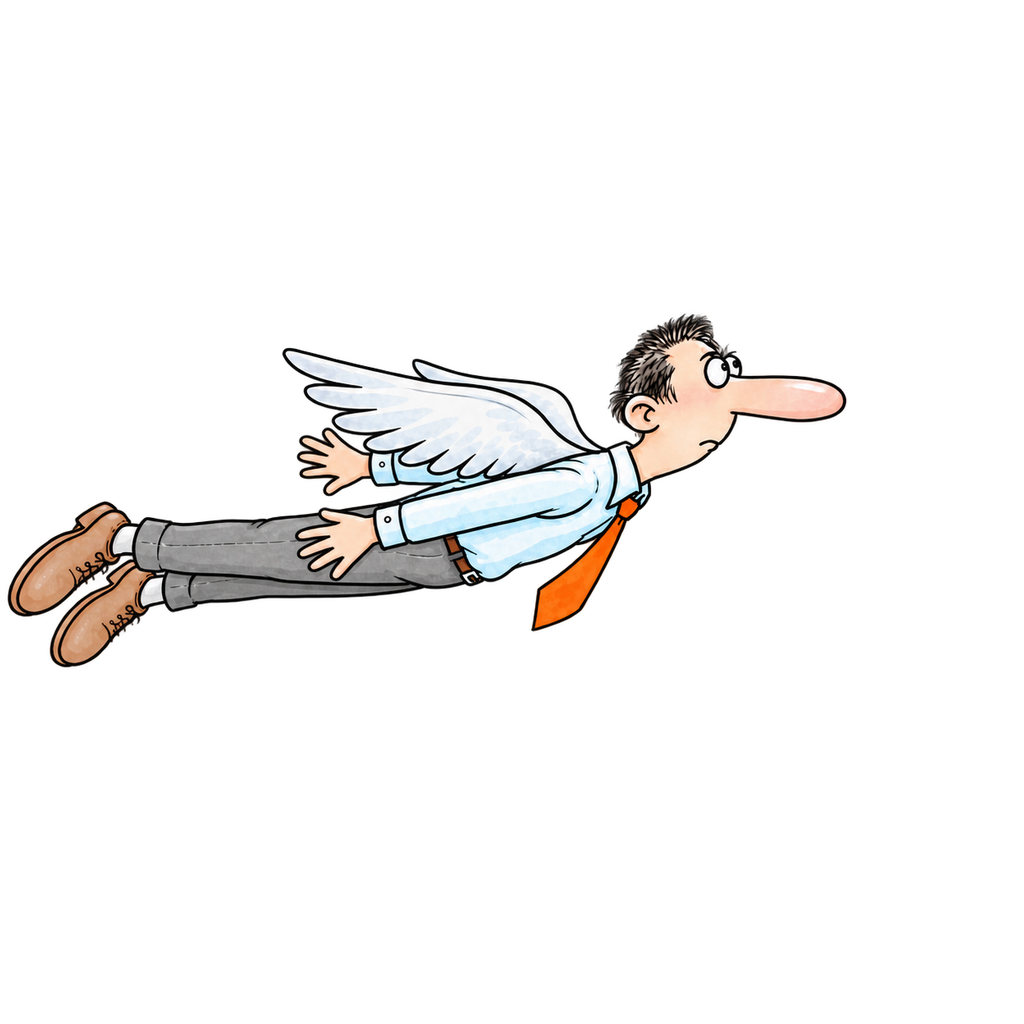
How do I fly?
Tap the screen, click, or press Space. Each press gives one flap. Keep a rhythm to stay aloft.
TINY WINGS / TERRIBLE TIMING
Tap to flap. Find the next can. Try not to introduce yourself to a chimney.
01 / QUICK HELP
Tap the screen, click, or press Space. Each press gives one flap. Keep a rhythm to stay aloft.
Each can restores wing power. They appear one at a time, so choose a safe line past rooftops, chimneys and pigeons.
Each run allows one revive. Supporters get it free; other players can watch an available rewarded ad. Both use a three-second countdown. Retry and Main Menu remain available without a revive.
Choose Support Us on the main menu for a one-time purchase. It permanently removes ads and includes one free revive in every run. The store shows your local price before you confirm.
Open Support Us, then Restore Purchases using the same App Store or Google Play account. Restoring does not charge you again. Apple purchases and Google purchases do not automatically transfer between stores.
Open Settings, then Privacy policy. It opens the current Weengz policy in your browser.
Your settings and offline best stay on your device. Online runs can join the global leaderboard with distance and revives from the same best run. Your public Game Center or Play Games nickname can sync automatically; a guest name works too. Delete your game profile and global records from Leaderboard → Your Profile.
Uninstalling the game or clearing its app data removes local Weengz data, subject to your device backup and restore settings.
02 / STILL STUCK?
Include your device model, operating-system version, what happened, and what you expected. Please do not send passwords, payment details, or advertising identifiers.
support@mythicmotion.inSupport and privacy requests are handled by Cyberflux Enterprises Private Limited under the Mythic Motion brand.